
How to Complete Identity Verification (KYC)?
2026-08-02 00:38:56
KYC refers to identity verification. Completing this process unlocks higher withdrawal limits while enhancing the security and convenience of your account. You can follow the steps below for identity verification.
How to Conduct KYC Verification on the APP?
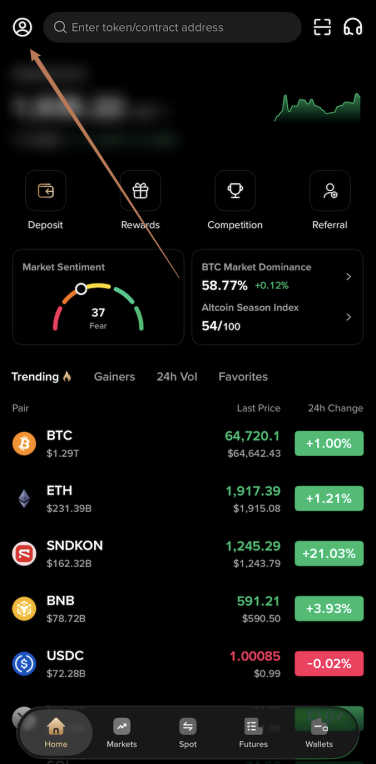
1. After successfully logging into the app, tap the profile icon in the top left corner of the home page to enter the Personal Center.
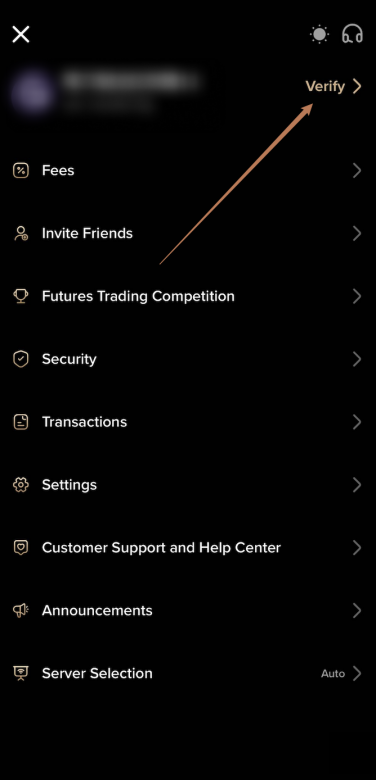
2. In the Personal Center, tap “Verify” next to your nickname.
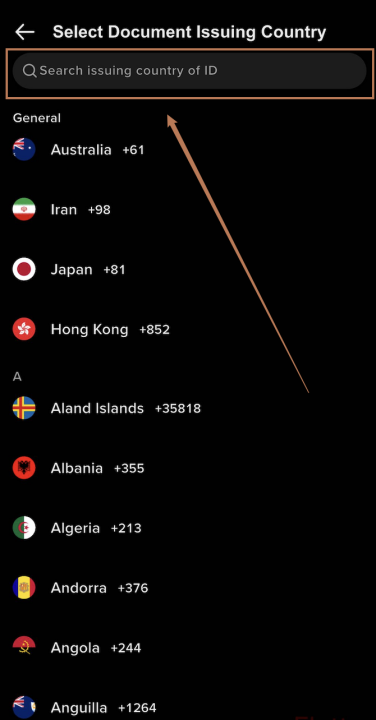
3. Select the issuing country/region of your ID document. You can enter its name in the search box to find it quickly.
4. Confirm your document issuing country, select the type of ID document you wish to submit, and tap “Confirm.”
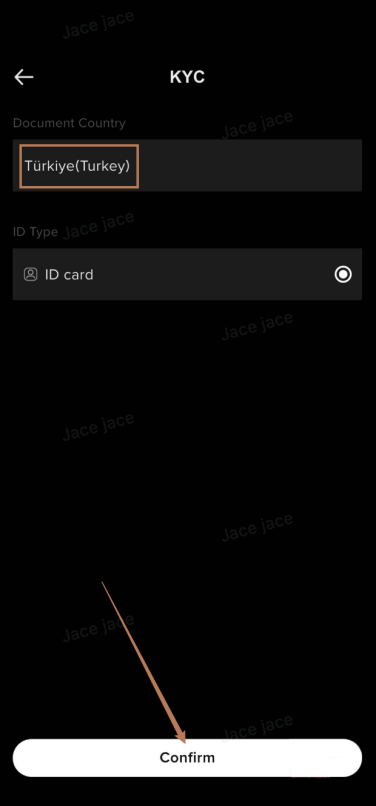
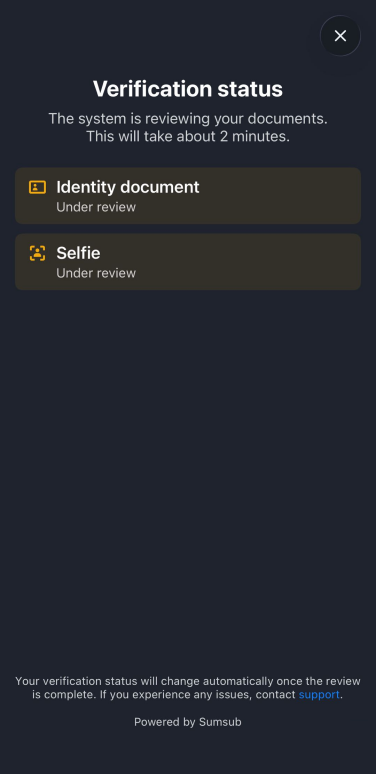
5. Identity verification consists of two parts: an ID document photo and a selfie, and the whole process takes only about 2 minutes. Tap “Continue” to start.
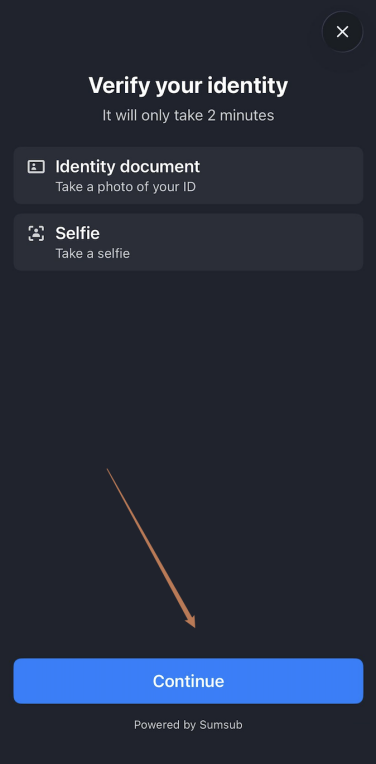
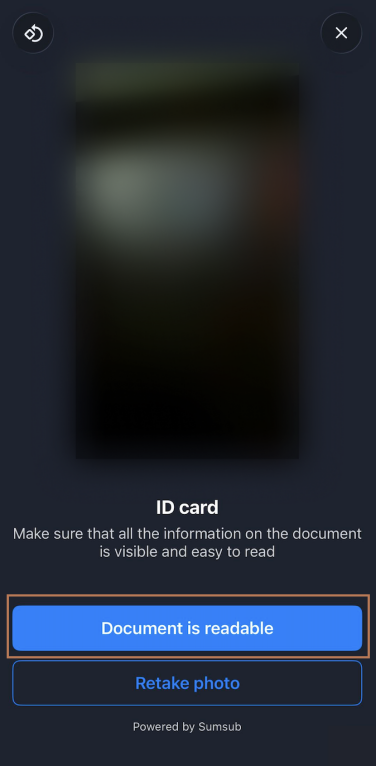
6. Follow the prompts to take photos of the front and back of your ID document. Once done, make sure all the information on the document is visible and easy to read. If the photo is clear, tap “Document is readable” to submit; if it is blurry, tap “Retake photo.”
7. Complete the selfie verification: position your face within the frame and follow the prompts to finish the capture.

8. After submission, the system will automatically review your documents. This takes about 2 minutes, and your verification status will be updated automatically.