

KCEX Trading Page Settings Guide: How to Switch Themes and Customize the Trading Layout
2026-08-27 11:21:10
KCEX allows users to adjust the theme and layout of the trading page according to their personal preferences. This includes switching between light and dark modes, changing the page layout, and customizing the position and size of each trading module. This article explains how to set the KCEX trading page theme, customize the trading layout, and restore the default layout, helping you create a trading interface that better suits your operating preferences.
1. Adjust the Page Theme
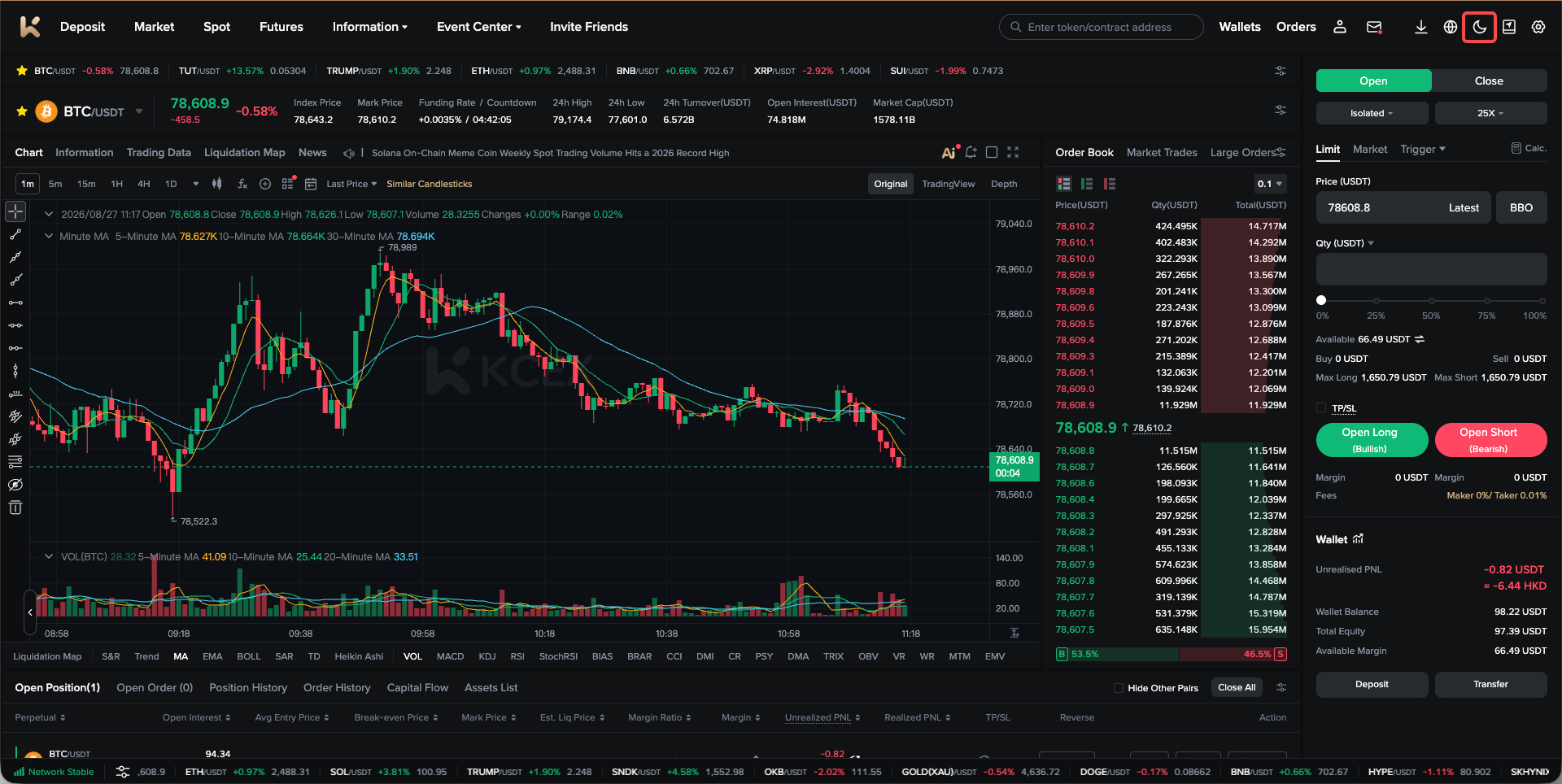
On the trading page, click the icon in the upper-right corner to switch between light mode and dark mode.
2. Adjust the Page Layout
1. Use a Popular Layout Recommended by the Platform
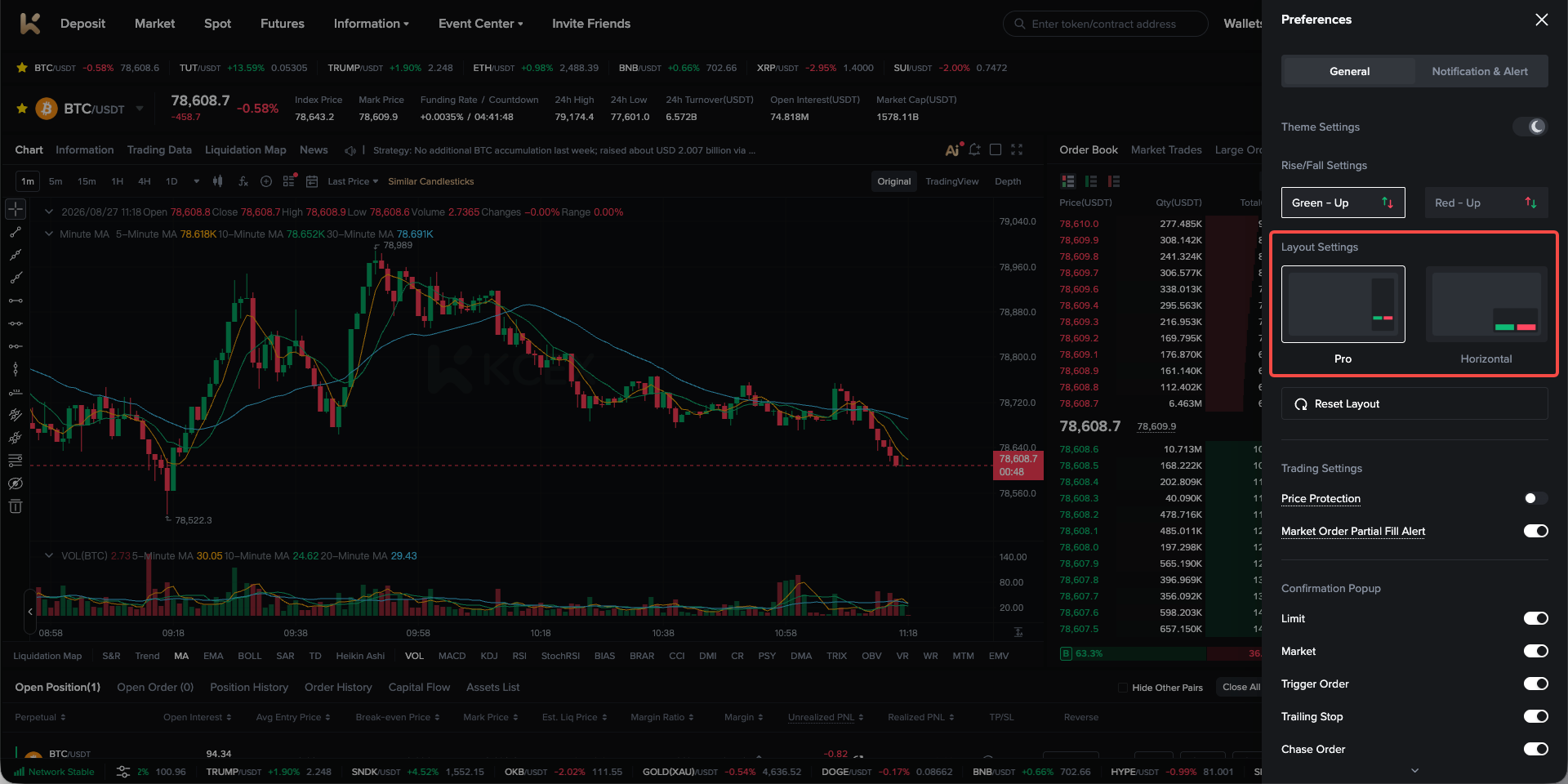
Open Personal Settings, then select the desired layout under 【General Settings】–【Layout Settings】 to switch layouts.
2. Customize the Layout
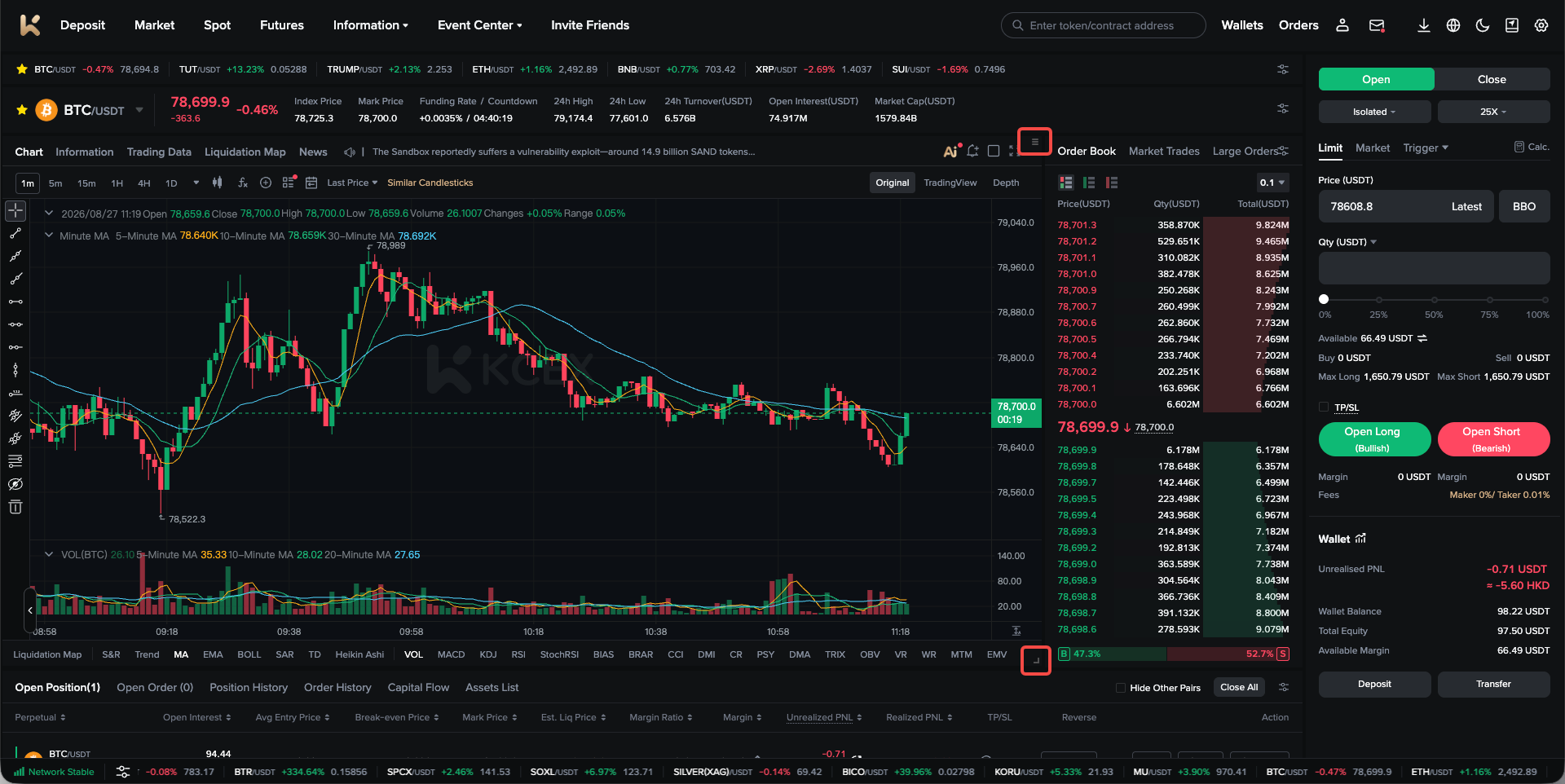
(1) Users can use the mouse to drag the upper-right corner of each information module and move it to create a preferred layout. The width and height of each module can also be adjusted from its lower-right corner.
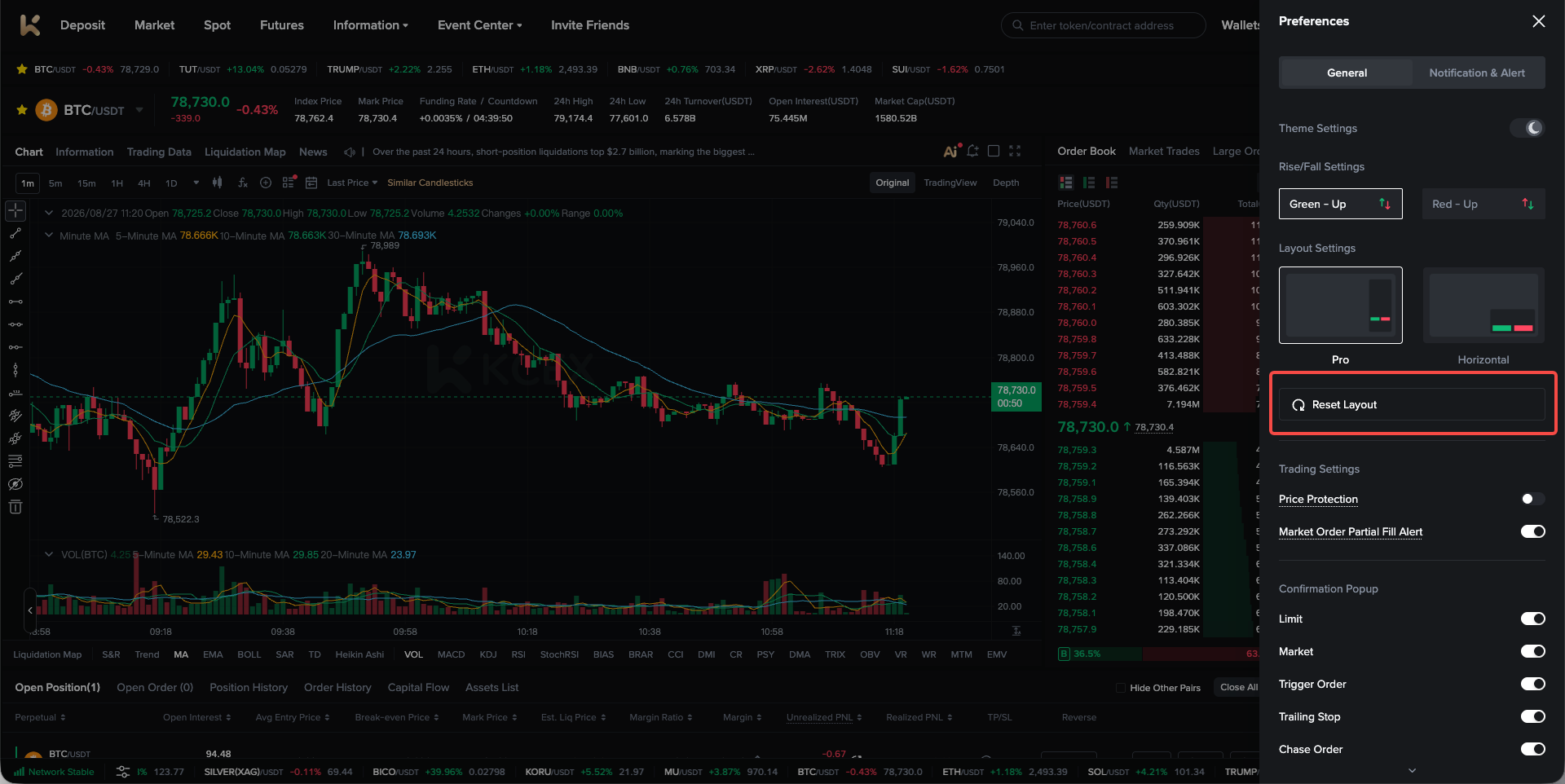
(2) Users can also click “Restore Default Layout” in Personal Settings to restore the customized layout to the default layout.
KCEX remains committed to providing users with safe and efficient futures trading services. Thank you for your support!